
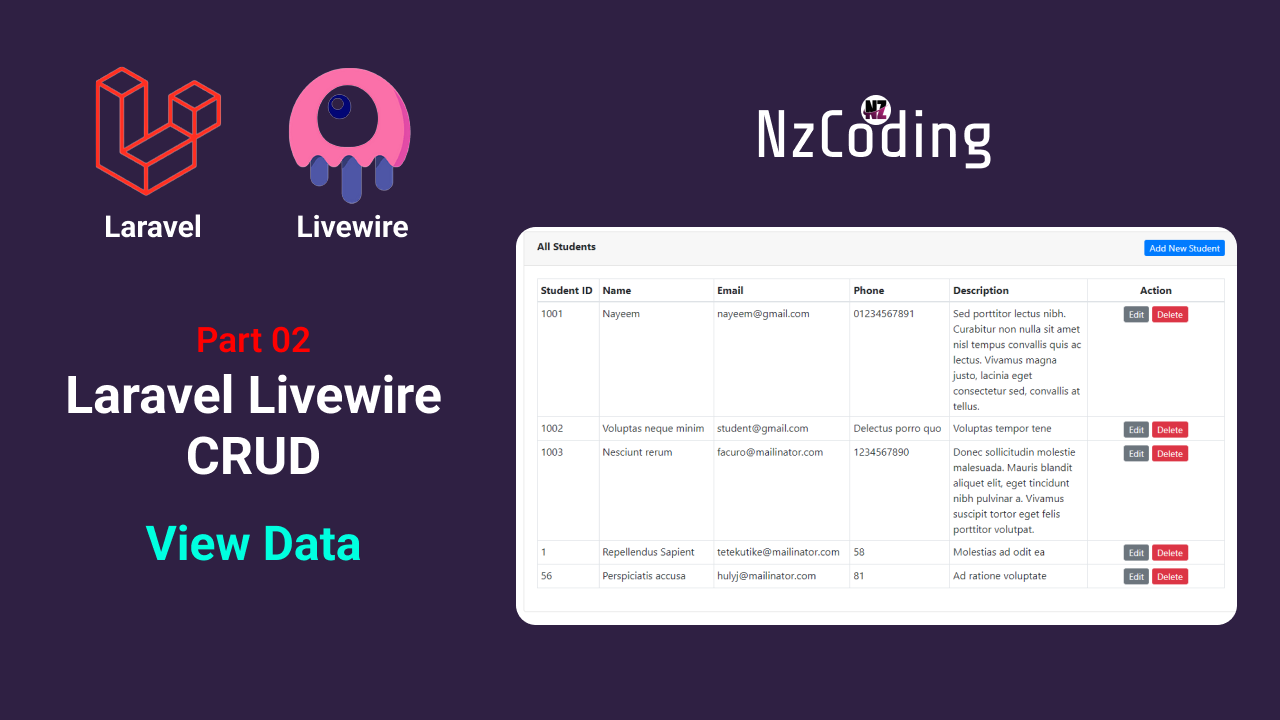
Laravel Livewire Crud - Part 02 (Get Data from Database)
LARAVEL
LIVEWIRE
Hello friends, today in this blog you’ll learn how to get/view data to a blade component from database with laravel livewire crud operation in a very simple way.
Laravel Livewire is a library that makes it simple to build modern, reactive, dynamic interfaces using Laravel Blade as your templating language. This is a great stack to choose if you want to build an application that is dynamic and reactive but don't feel comfortable jumping into a full JavaScript framework like Vue.
Now, lets see how we can get/view data to a blade component from database with laravel livewire crud operation in a very simple way.
You can also check our video tutorial about how to get/view data to a blade component from database laravel livewire crud operation.
Video Tutorial of Laravel Livewire Crud - Get/View Data
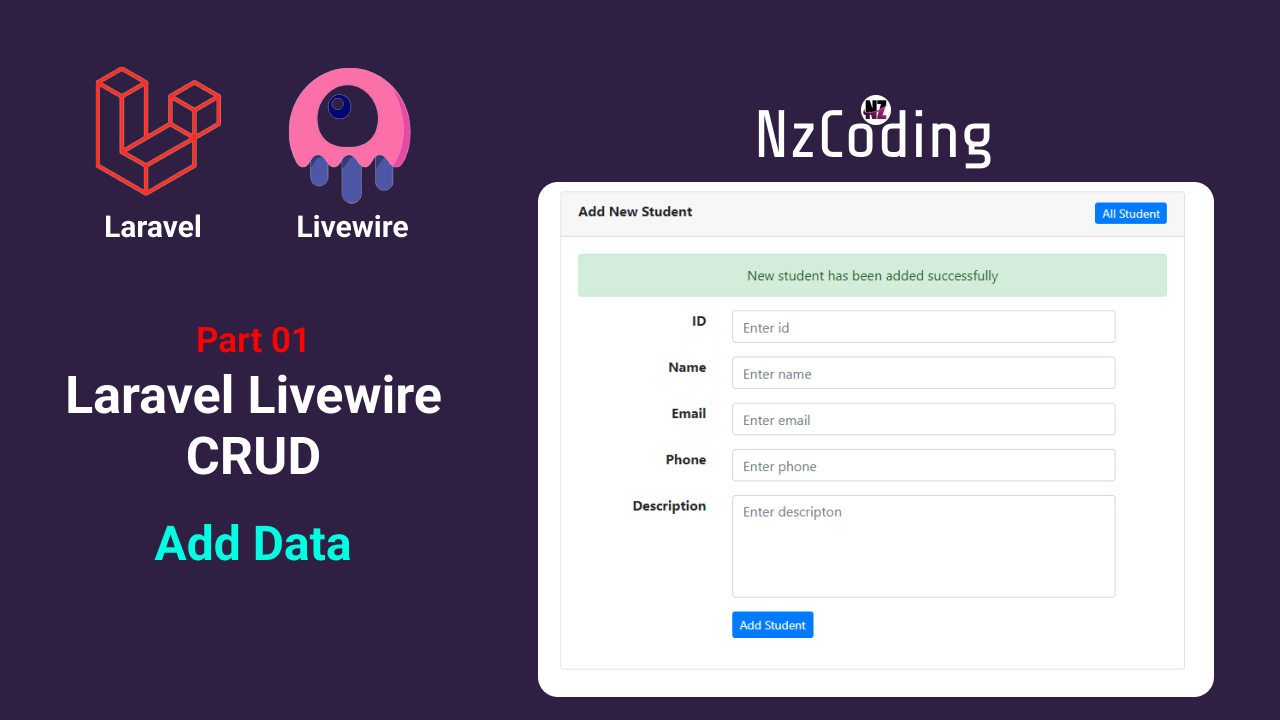
Step 01: Add data to database
If you don't know how to add data to database with laravel livewire, read this post-
Link: Laravel Livewire Crud - Part 01 (Add Data to Database)
Step 02: Make livewire component and class file
In our previous part we have made a livewire component named IndexComponent. Now, go to resources/views/livewire directory and open index-component.blade.php file and use this codes,
<div><div class="container"><div class="row justify-content-center mt-5"><div class="col-md-11"><div class="card"><div class="card-header"><h5 class="card-title" style="float: left;">All Students</h5><a href="{{ route('addStudent') }}" class="btn btn-sm btn-primary" style="float: right;">Add New Student</a></div><div class="card-body"><table class="table table-bordered"><thead><tr><th>Student ID</th><th>Name</th><th>Email</th><th>Phone</th><th>Actions</th></tr></thead><tbody>@if ($students->count() > 0)@foreach ($students as $student)<tr><td>{{ $student->student_id }}</td><td>{{ $student->name }}</td><td>{{ $student->email }}</td><td>{{ $student->phone }}</td><td></td></tr>@endforeach@else<tr><td colspan="5" style="text-align: center;">No students found!</td></tr>@endif</tbody></table></div></div></div></div></div></div>
and now, go to App/Http/livewire directory and open IndexComponent.php file and use these codes inside component class function,
public function render(){$students = Student::all();return view('livewire.crud.index-component', ['students'=>$students])->layout('livewire.layouts.base');}
Note: You should import the Student Model in IndexComponent.php file.
Step 03: Make Route
Now, go to routes directory and open web.php file and add this route,
Route::get('students', IndexComponent::class)->name('students');
Now, run the application with this command,
php artisan serve
open your browser and go to,
http://127.0.0.1:8000/students



Comments (0)
Leave a Comment
You need to login to post a comment
Login to Comment